

Conversations
Review transcripts, summaries, sentiment, and captured data
The Conversations page, at app.hollr.ai/conversations, is where every call record — inbound or outbound — becomes reviewable. It’s the dashboard counterpart to the Conversations API.
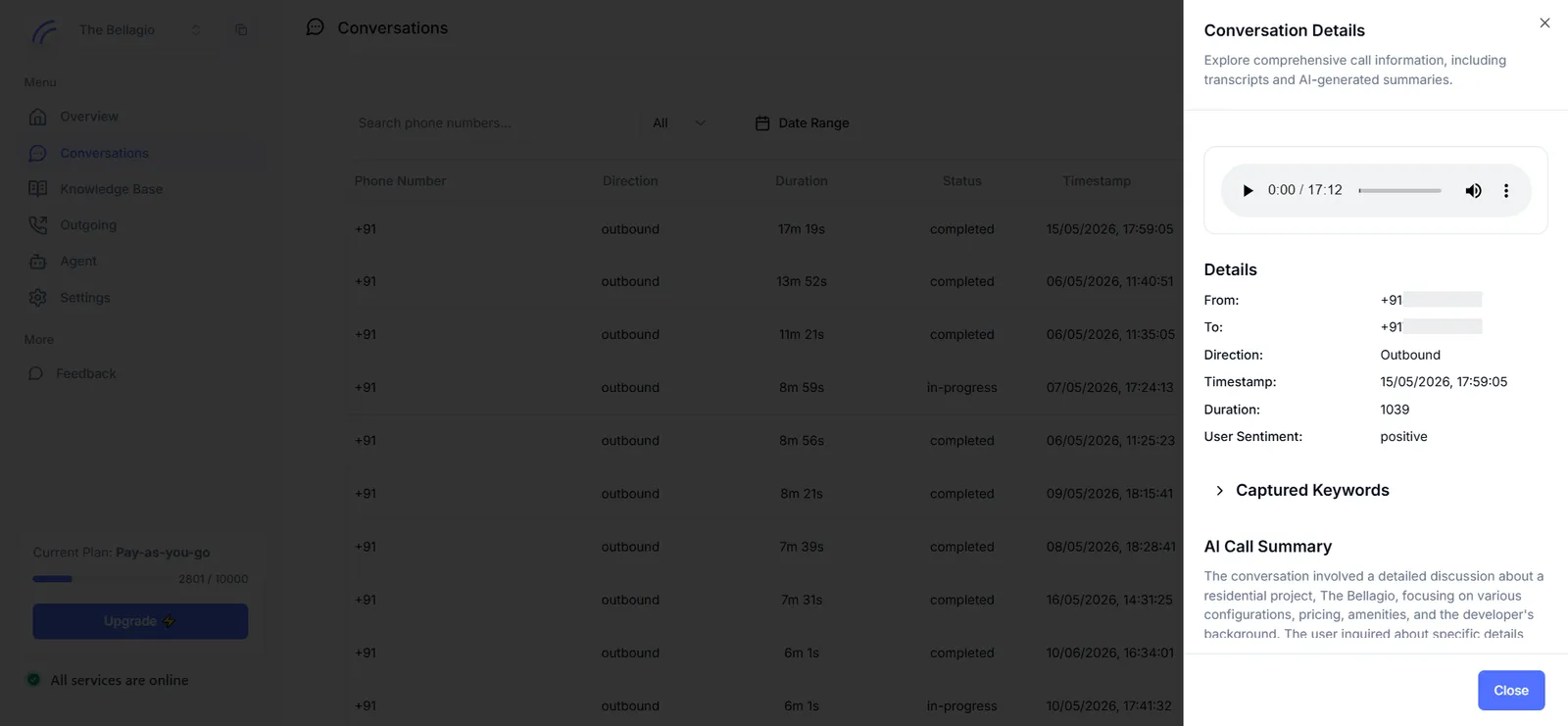
The records table
Every call appears as a row with its phone number, direction, duration, status, and timestamp. Records can be searched by phone number, filtered by direction or status, and narrowed to a date range. The underlying data can also be exported for offline analysis.
Conversation details
Selecting a record opens a details panel with everything captured for that call.
- Recording — if call recording was enabled for the agent (see Agent → Call settings), a player for the call audio appears at the top of the panel.
- Details — from and to numbers, direction, timestamp, duration, and AI-inferred user sentiment.
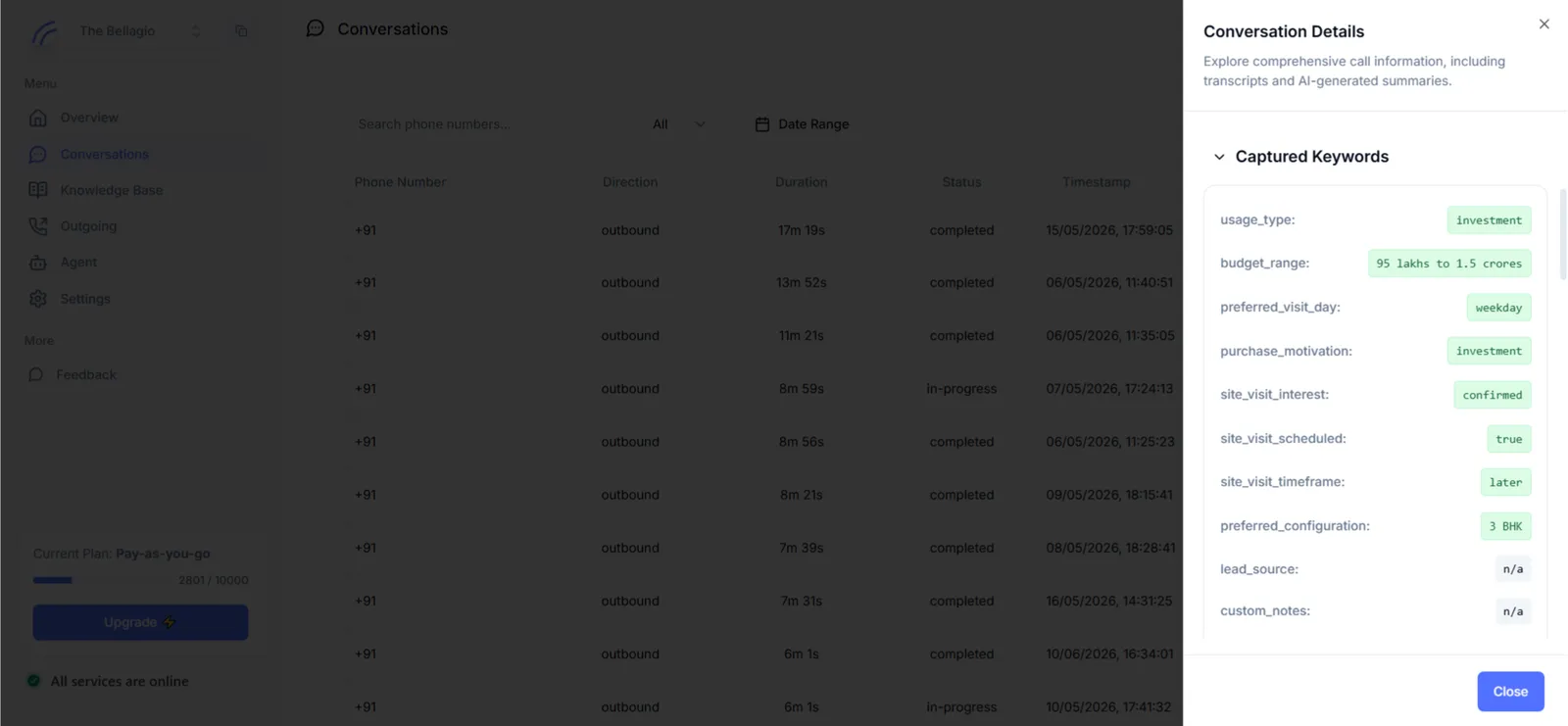
- Captured Keywords — the structured values extracted from the call, based on the keyword definitions configured on the agent. Each configured keyword appears as a key-value pair.
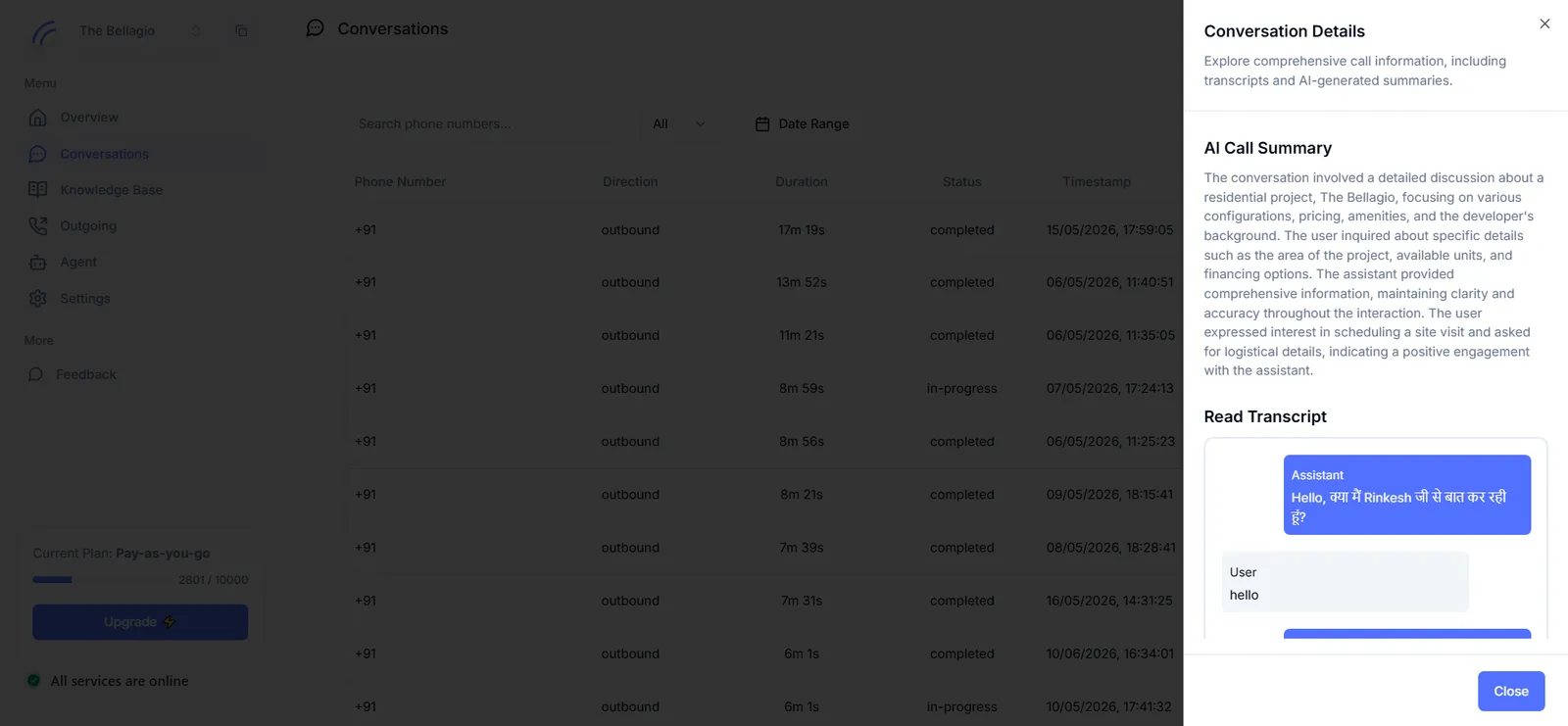
- AI Call Summary — a generated synopsis of what was discussed and how the call concluded.
- Read Transcript — the full, turn-by-turn transcript of the conversation, attributed to the assistant and the caller.
Next step
This is the last stop in the standard configuration path — from here, most accounts loop back to refine the agent based on what conversations reveal.